Static photos don’t carry a feed the way they used to. Scroll through any platform today and the posts that actually stop the thumb are the ones that move — even a few seconds of subtle motion outperforms a still image more often than not. That shift has pushed a growing number of creators and everyday users toward a specific type of tool: image to video AI.

What Image to Video AI Actually Does
The concept is straightforward. You start with a photo — a portrait, a product shot, an event picture — and the tool adds motion to it, turning a still image into a short animated clip. No filming required, no editing timeline, no prior video experience needed.
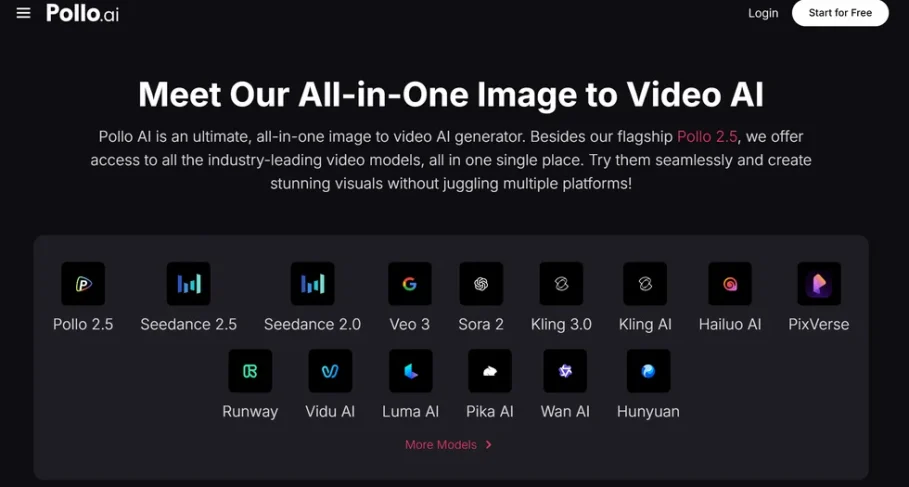
Pollo AI’s image to video AI works exactly this way. Upload a photo, and the tool generates a short clip with movement added — a subtle pan, a shift in lighting, motion within the scene itself. What used to require actual video footage or animation skills now takes a couple of minutes with a photo you already have sitting on your phone.
Why This Has Caught on So Fast
A few practical reasons explain why image to video tools have moved from novelty to habit for a lot of creators:
You skip filming entirely. No camera setup, no reshoots, no worrying about lighting during the actual shoot — you’re working from a photo you already like.
It fits short-form platforms perfectly. Reels, Shorts, and TikTok all reward motion over static posts, and a short animated clip fills that requirement without a full video production.
It’s fast. What might take hours to film and edit traditionally takes minutes when you’re animating an existing photo instead.
It doesn’t require any editing background. If you have a decent photo, you have everything you need to start.
Everyday Ways People Are Using It
Content creators use image to video tools to squeeze more life out of their existing photo library, turning old favorites into fresh, algorithm-friendly posts instead of letting them sit unused. Small business owners use it to make product photos feel more dynamic on social pages without booking a video shoot for every new item. Everyday users turn event photos — a night out, a trip, a celebration — into short clips that feel more alive than a static post buried in a camera roll.
The common thread is simple: everyone already has photos. Turning them into video content removes the biggest barrier that used to separate people who post video regularly from people who don’t — access to actual footage.
Getting a Cleaner Result
The quality of your starting photo matters a lot here. A blurry, poorly lit, or cluttered image tends to produce a rougher animated result. This is where a quick photo editor comes in handy before you animate anything. Fotor AI is built for fast, simple photo touch-ups — cropping, lighting fixes, background cleanup — and Pollo AI connects directly into it, so you can clean up a photo and animate it in the same place instead of switching between separate apps.
Using Fotor AI first is a small step that makes a real difference. A sharper, better-lit starting photo consistently produces a more polished animated clip than a rough one, and having both tools together means that extra step barely adds any time to the process.
A Simple Way to Start
If you’ve never tried this kind of tool, start with one photo you actually like — something with decent lighting and a clear subject. Generate a short clip, compare it to how a static version of the same photo performs, and see the difference for yourself.
For most people, the appeal isn’t cinematic production value. It’s turning photos that would otherwise sit unused into content that actually holds attention in a feed built around motion. With Pollo AI, a five-second clip from a photo already on your phone often does more for engagement than another still image ever will.