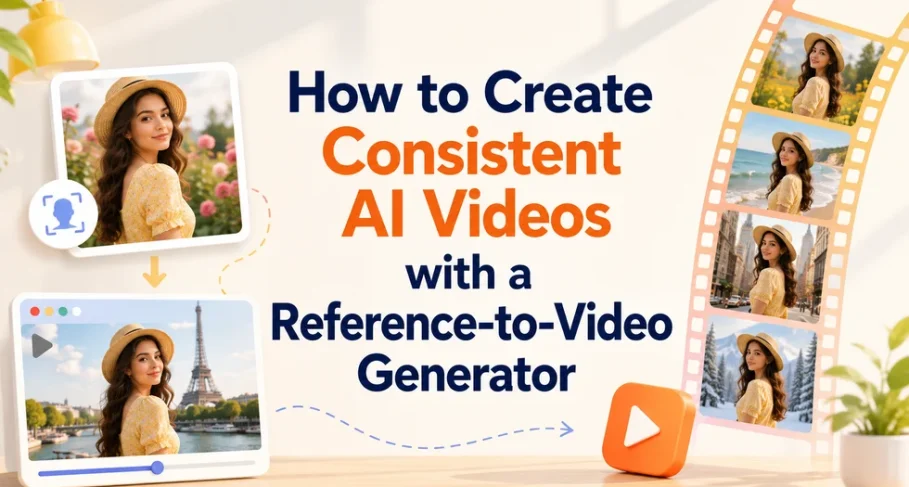
Maintaining a consistent character or object across different scenes is one of the biggest challenges in AI video generation. This guide shows you how to use a reference-to-video generator to preserve subject consistency throughout your videos, even if you have no previous editing experience.
What Is a Reference to Video Generator?
A reference to video generator is an AI tool that analyzes a primary image (a character, product, or object) and locks its core visual features. When you generate a new video clip, the AI preserves the reference subject—including facial structure, expressions, clothing, or product textures—while generating natural movements and new backgrounds.
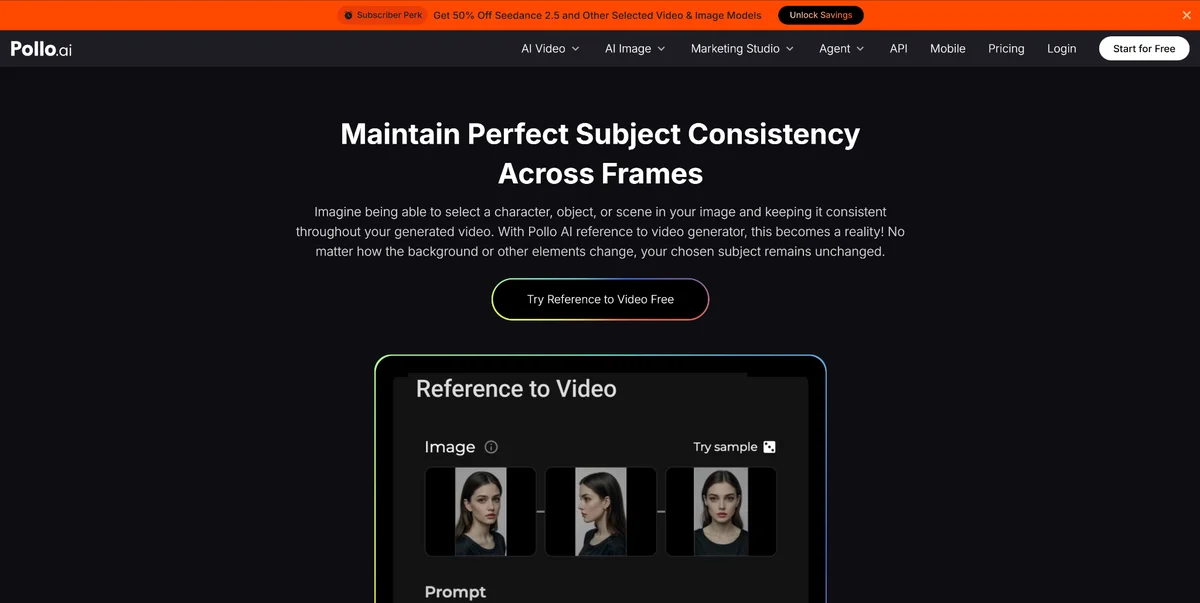
Platforms like Pollo AI specialize in this technology. By using advanced reference-mapping algorithms, Pollo AI’s reference to video generator allows you to create fluid, natural motion without altering the identity of your main character or item.
Practical Ways to Use Reference-Based Video Generation
Using a reference to video tool opens up several practical workflows that save time and cut editing costs by up to 65%.
1. Place the Same Character in New Contexts
If you are working on a short film or an advertisement, you often need the same person in multiple locations. With Pollo AI, you can upload a single image of your character and place them in completely different environments.
- Example: Take a photo of a woman wearing a straw hat and cycle her through a rose garden in one scene, then show her walking near the Eiffel Tower in the next—all while keeping her face and outfit identical.
2. Seamlessly Add Objects and Characters to Existing Scenes
You do not always need to build a scene from scratch. If you already have a background you like, you can introduce new elements without disrupting the lighting or style.
- Example: Insert a steaming mug onto a café table or add a puppy playing beside a child in a park scene. The AI automatically matches the lighting, shadows, and perspective of the original image.
3. Remix Multiple Images Into a Cohesive Storyboard
If you have a collection of photos—such as family vacation shots or product lifestyle stills—you can combine them into a single continuous video narrative. Pollo AI bridges the gaps between different uploaded images, generating smooth transitions and natural motion from shot to shot.
Explore Pollo AI’s Full Ecosystem of Video Apps
While maintaining subject consistency with the reference to video tool is essential for storytelling, Pollo AI offers a complete suite of specialized AI video apps to expand your creative toolkit.
If you are working on promotional content or narrative projects, you can use the movie trailer maker to combine your consistent character clips into high-energy, cinematic previews complete with dynamic camera angles and dramatic pacing. Whether you need specialized face-swapping, B-roll generation, or styled animation, having access to multiple targeted apps inside one platform keeps your visual style uniform across all channels.
Step-by-Step: How to Generate Consistent Videos With Pollo AI
Creating your first consistent AI video with Pollo AI takes just three straightforward steps:
Step 1: Upload Your Reference Image
Select one or more clear images representing the character, product, or scene you want to animate. Higher quality source images yield sharper video outputs.
Step 2: Select the Anchor Subject
Choose which specific element you want the AI to keep consistent throughout the clip. This tells the system to freeze the design of that face, person, or object while generating the rest of the scene.
Step 3: Describe the Motion and Generate
Type a clear prompt describing what action should happen. Click generate, and Pollo AI will produce a video clip with smooth movement and consistent details.
Who Benefits Most From Consistency-Focused AI Tools?
- Video Editors & Storytellers: Eliminate expensive reshoots and maintain continuity across narrative scenes, short films, and AI anime projects.
- Brand Marketers: Scale product promotions by showcasing the exact same item across dozens of different lifestyle settings, boosting output while reducing production budgets.
- Game Designers & Animators: Quickly test character concepts and storyboard sequences before committing to full 3D rendering.
- Social Media Creators: Create recognizable virtual personas and recurring characters for TikTok, Instagram Reels, and YouTube Shorts to build stronger viewer loyalty.
By leveraging a reference to video workflow with tools like Pollo AI, you can generate consistent, professional-quality videos directly from your source images in just a few clicks.
FAQs
What is Pollo AI’s reference to video generator?
Pollo AI’s reference to video generator is an AI tool that analyses a primary image — a character, product or object — and locks its core visual features. Using reference-mapping algorithms, Pollo AI preserves facial structure, expressions, clothing and product textures while generating natural movement and new backgrounds.
How do you create a consistent AI video with Pollo AI?
Pollo AI takes three steps. Upload one or more clear reference images of the character, product or scene — higher-quality sources give sharper video. Select the anchor subject, telling Pollo AI which face, person or object to freeze. Then describe the motion you want and generate. No previous editing experience is needed.
What can you build with Pollo AI’s reference to video generator?
Pollo AI supports three workflows, and reference-based video generation can cut editing costs by up to 65%. Place the same character in new contexts — a woman in a straw hat in a rose garden, then near the Eiffel Tower, face and outfit unchanged. Add objects or characters to an existing scene, such as a mug on a café table or a puppy beside a child, with Pollo AI matching the original lighting, shadows and perspective. Or remix a set of images into one continuous video.
Who is Pollo AI for, and what other video apps does it include?
Pollo AI suits four groups: video editors and storytellers avoiding reshoots; brand marketers showing one product across dozens of settings; game designers and animators testing concepts before full 3D rendering; and social media creators building recurring personas for TikTok, Instagram Reels and YouTube Shorts. Beyond reference to video, Pollo AI is a full suite — a movie trailer maker for cinematic previews, plus face-swapping, B-roll generation and styled animation, keeping one visual style across every channel.